

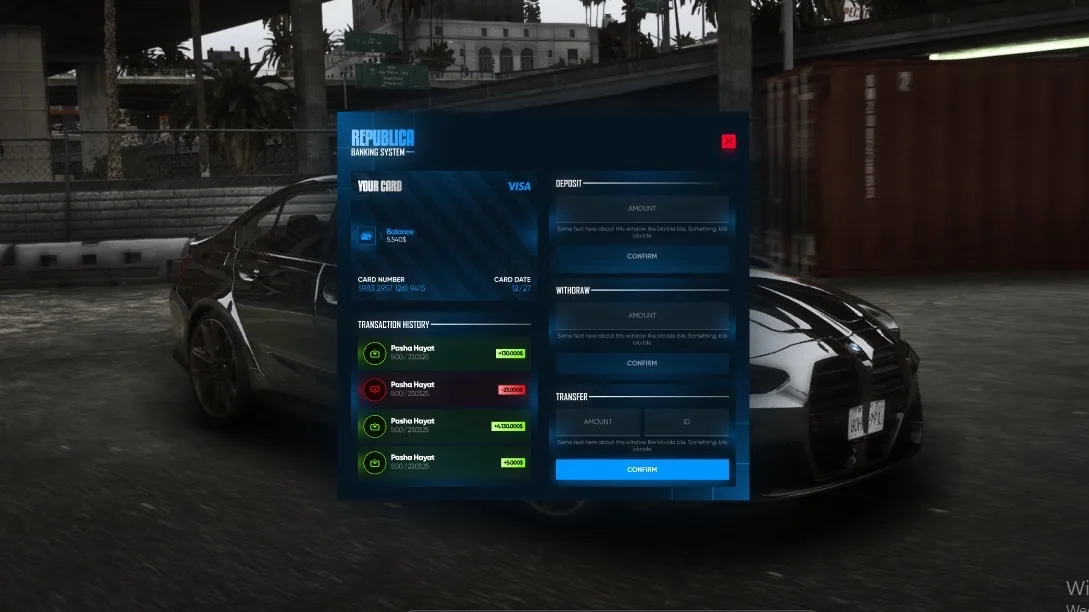
Show amount, target and consequence before confirmation and prevent duplicate clicks.
The part demos often leave out
The key question is not whether Transaction UX works in a demo. What matters is how Confirmation and NUI behave during a restart, timeout or two concurrent actions.
The technical decision behind it
The interface follows the gameplay flow: relevant information, clear states and a safe exit. Critical decisions come from the server; NUI explains, confirms and makes errors actionable.
Implementation checklist
These three points belong in planning, review and handover:
- Design loading, empty, error and success states
- Test focus, escape, controller and resolutions
- Batch NUI messages and prevent duplicate actions
The test before launch
The key journey must work by keyboard on 16:9, ultrawide and small resolutions; timeout, ESC and resource restart must not leave focus stuck.
Workshop note: Transaction UX, Confirmation and NUI are tested on staging from a documented initial state.
Frequently asked questions
What should be tested before launch?
The key journey must work by keyboard on 16:9, ultrawide and small resolutions; timeout, ESC and resource restart must not leave focus stuck.
Is a custom implementation worthwhile?
Yes, when workflows, design or permissions differ from the standard. The goal is a maintainable solution with clear configuration, documentation and an update path.
Apply this to your project?
We review your starting point and develop a realistic next step.